
We talk about home security quite a bit on Style Curator, and one of the most popular ways to secure your home and offer greater peace of mind is with security cameras. But it isn’t until you start researching security cameras that you realise there’s a whole world of choice out there. Wired or wireless? Indoor or outdoor? Cloud storage or footage stored locally? Then there’s image quality, night vision, smart detection and a growing list of other features to consider.
With so many options, it can be difficult to know which features to prioritise or what type of security camera system will best suit your home. To help you make an informed choice, we’re breaking down 7 of the key things to consider before buying security cameras for your home.
Related article: Your DIY home security checklist
Related article: Rental property security: Practical ways landlords and tenants can improve home security
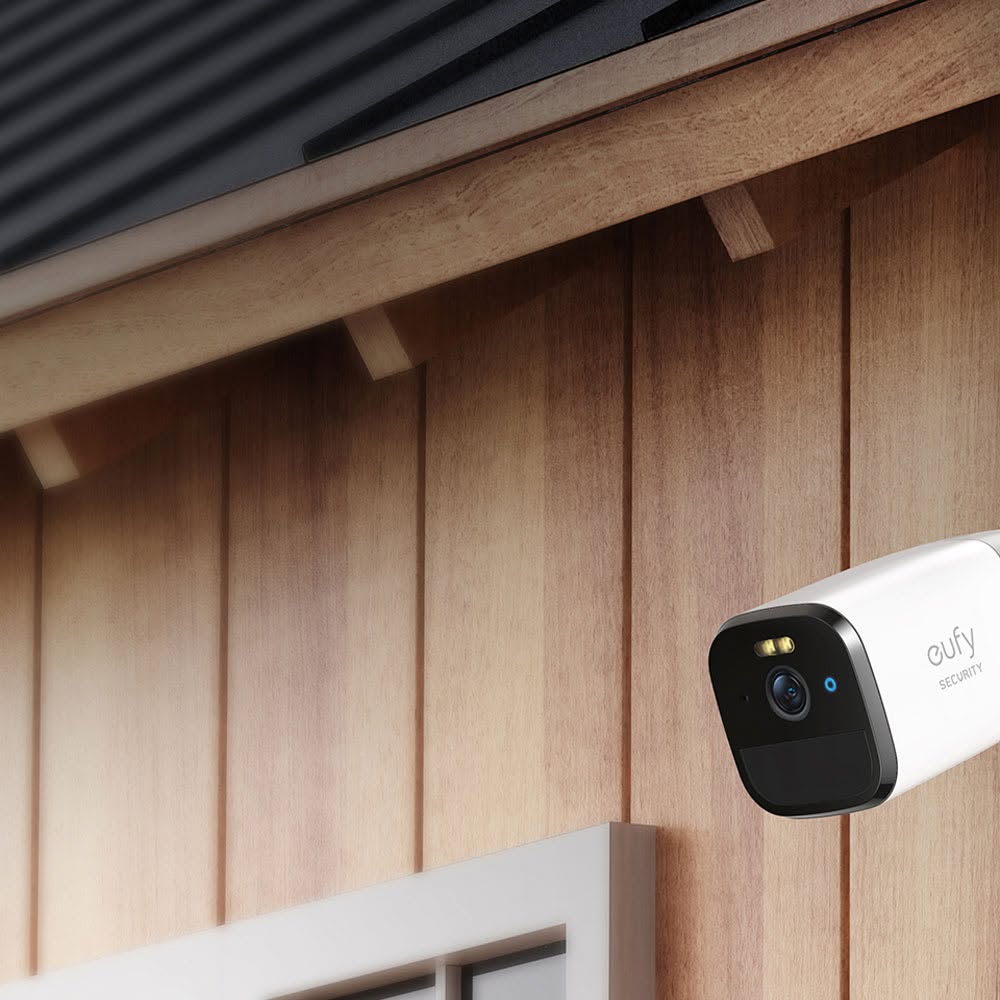
1. Decide on where you actually need security cameras
Before comparing brands, resolutions or smart features, take a step back and think about where you actually need security cameras around your home.
Start with the main entry points, such as your front and back doors, side access and garage. From there, consider other vulnerable areas around your property, such as a secluded side passage, driveway or backyard.
It can help to draw a rough floor plan and mark where you think cameras are needed. Consider the field of view from each position and look for any potential blind spots. You may discover you need fewer cameras than you thought — or that one carefully positioned camera can cover several areas.
2. Choose between indoor, outdoor and doorbell cameras
Not all security cameras serve the same purpose, so consider what type you need in each location.
Indoor cameras can monitor specific areas within the home and often include features such as two-way audio. If you’re uncomfortable with having cameras operating inside your home all the time, look for models with privacy shutters or modes that allow you to disable recording while you’re home.
Outdoor cameras are designed to withstand the elements and generally offer features such as night vision, motion detection and, in some cases, built-in spotlights or alarms.
Then there are video doorbells, which allow you to see who’s at your front door and can be particularly handy for monitoring visitors and deliveries, even when you’re away from home.
3. Consider wired vs wireless security cameras
One of the biggest decisions you’ll need to make is whether to opt for wired or wireless cameras — and there are pros and cons to both.
Wireless, battery-powered cameras are generally easier to install and give you greater flexibility around placement. The trade-off is that batteries need to be recharged or replaced, although some outdoor models can be paired with solar charging.
Wired security systems require a more involved installation but offer continuous power and don’t rely on batteries. They can be particularly useful when you’re renovating or building, as cabling can be considered before walls and ceilings are finished.
Tip: If you’re already renovating, speak to your electrician about your security plans early. Even if you don’t intend to install cameras immediately, planning ahead may give you more options later.
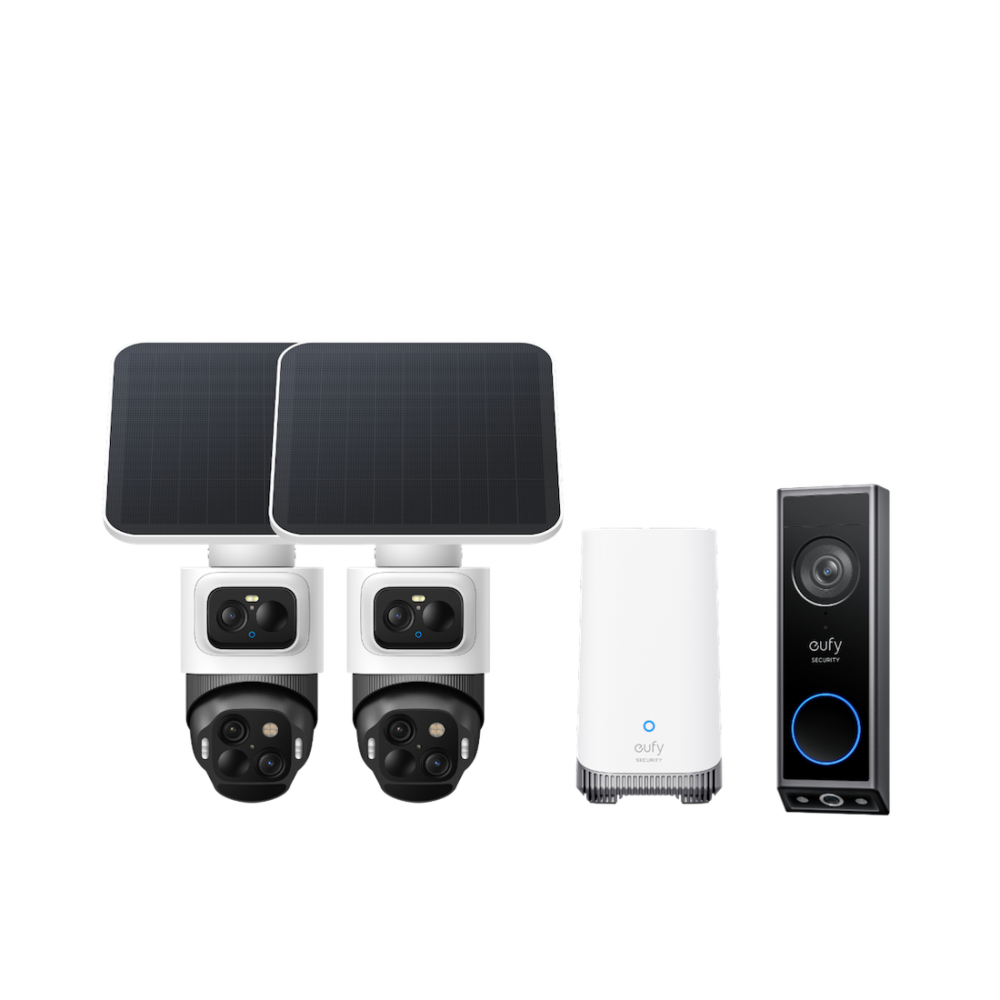
4. Look at image quality and night vision
There’s little point capturing security footage if the image quality is too poor to make out important details.
Most modern security cameras offer at least 1080p resolution, with 2K and 4K models also available. Higher resolution can provide greater detail, which may be particularly useful for cameras covering larger spaces such as driveways and yards.
Also consider how well the camera performs at night. Some use infrared night vision to capture black-and-white footage in darkness, while others offer colour night vision. Think about the area you’re monitoring, how much ambient lighting is available and the level of detail you’re likely to need after dark.
5. Decide how you want footage stored
Another feature that’s easy to overlook until you’re comparing security cameras is where your footage will actually be stored.
Cloud storage allows footage to be stored remotely and accessed online, although it commonly comes with an ongoing subscription fee. It’s also important to consider privacy and data control, include how your footage is protected and whether your home network is secure. If you’re installing multiple cameras, factor these costs into the overall price of your security system rather than comparing hardware costs alone.
Local storage keeps footage on a microSD card, hard drive, NVR or compatible base station and may avoid ongoing subscription fees. However, storage capacity is finite and there can be drawbacks if the physical storage device is damaged or stolen.
Some systems also offer a combination of local and cloud storage, so compare the options and decide which approach best suits your budget and preferences.
6. Consider smart detection and alerts
Smart features are another area where security cameras have come a long way. Rather than simply notifying you every time something moves, some cameras can distinguish between people, vehicles, animals and even packages.
This can help reduce unnecessary notifications — because no one wants their phone buzzing every time a tree moves in the wind!
Also look for systems that allow you to create activity zones, adjust sensitivity and schedule when alerts are active. For example, you may want to monitor movement around your front entrance while ignoring pedestrians passing along the footpath.
When comparing security cameras, look at which smart detection features are included and whether any require an ongoing subscription.
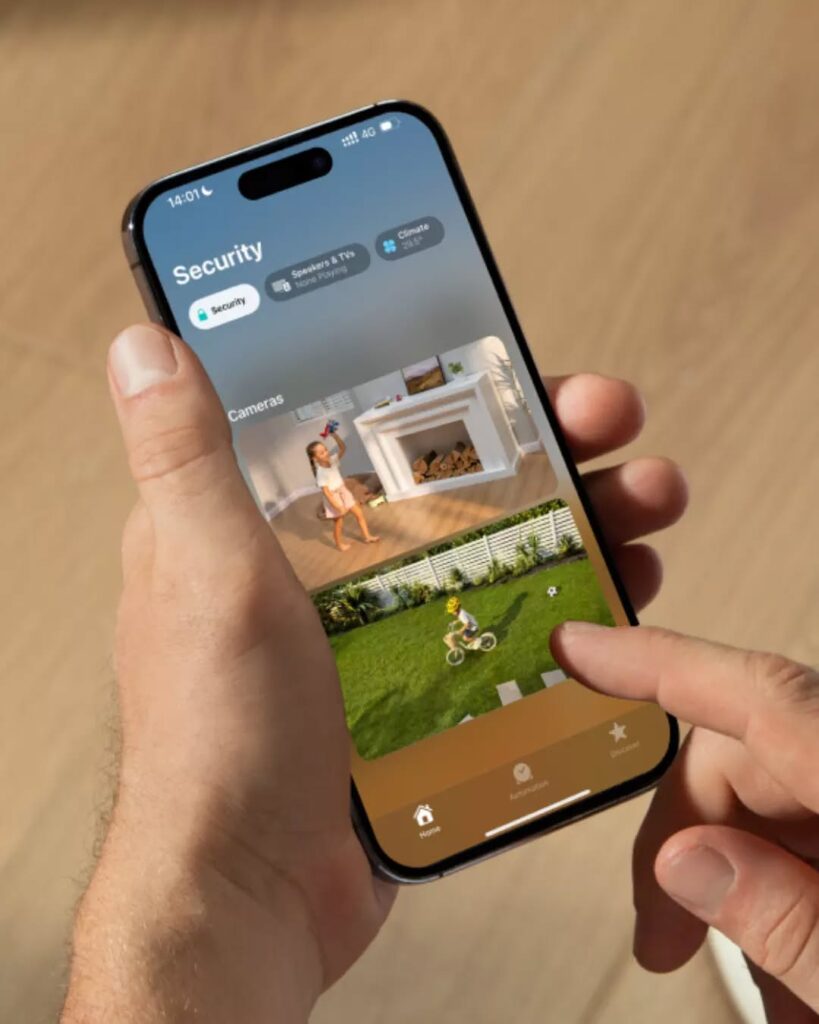
7. Plan camera placement carefully
Finally, even the best security camera won’t be particularly useful if it’s pointing in the wrong direction.
Position cameras to capture people approaching your property rather than only recording them once they’ve passed. Consider sightlines, blind spots, lighting conditions and whether landscaping, fences or other features could obstruct the view.
You should also consider privacy when positioning cameras, particularly where neighbouring properties or public areas could fall within the field of view.
For larger properties, overlapping the field of view between cameras can help reduce blind spots. But more cameras aren’t necessarily better — thoughtful placement should always come before simply adding more devices.
Choosing security cameras doesn’t need to be overwhelming. Start with where you need coverage, then compare the features that matter most to you — from image quality and storage to smart alerts and installation. A little planning upfront will help you create a security setup that works for your home, lifestyle and budget.